
Movies, TV and Live TV Guides
Cinema HQ Guides
Install walkthroughs, setup guides for debrid and Trakt, player and subtitle help, and fixes for the failures every Cinema HQ viewer meets sooner or later, all written from real testing.
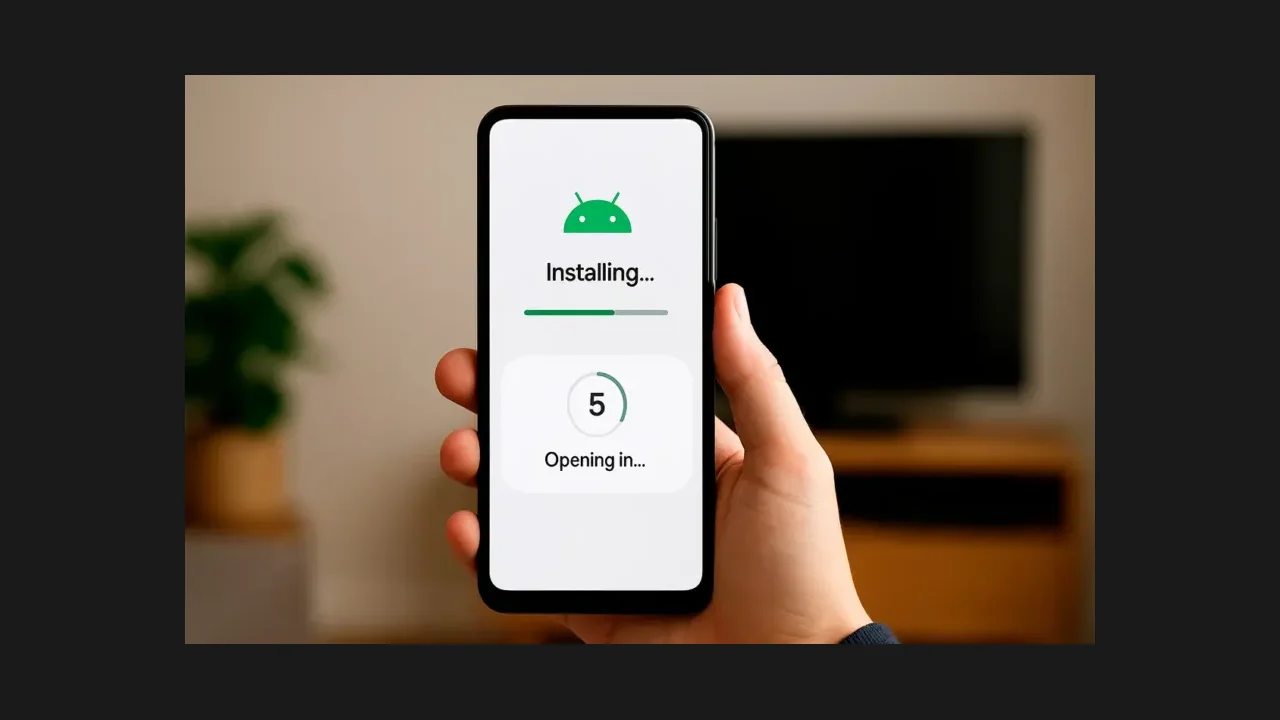 Cinema HQ Guide How to Install Cinema HQ on Android: The Complete Walkthrough The Cinema HQ install done right: the 31 MB file, the one permission Android asks for, and a first title to test. Read guide →
 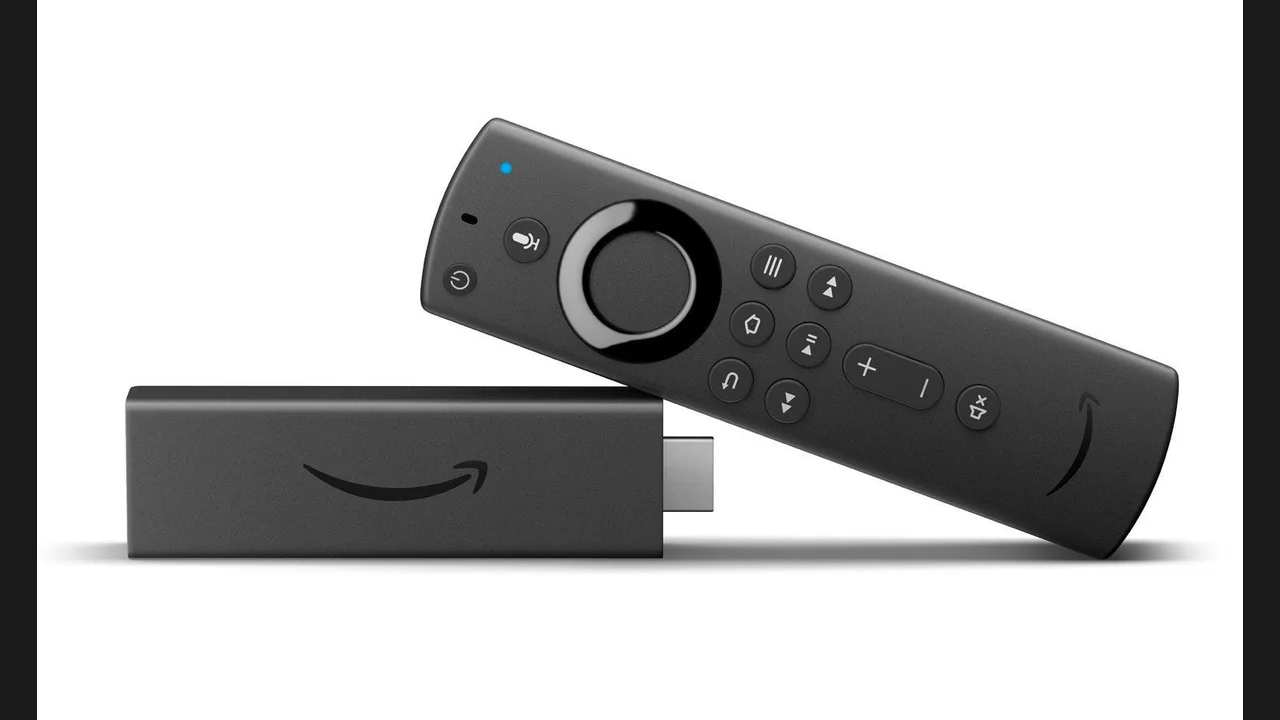 Cinema HQ Guide Cinema HQ on Firestick: The Downloader Route Get Cinema HQ on a Fire TV Stick with the Downloader app, from developer options to first launch. Read guide →
 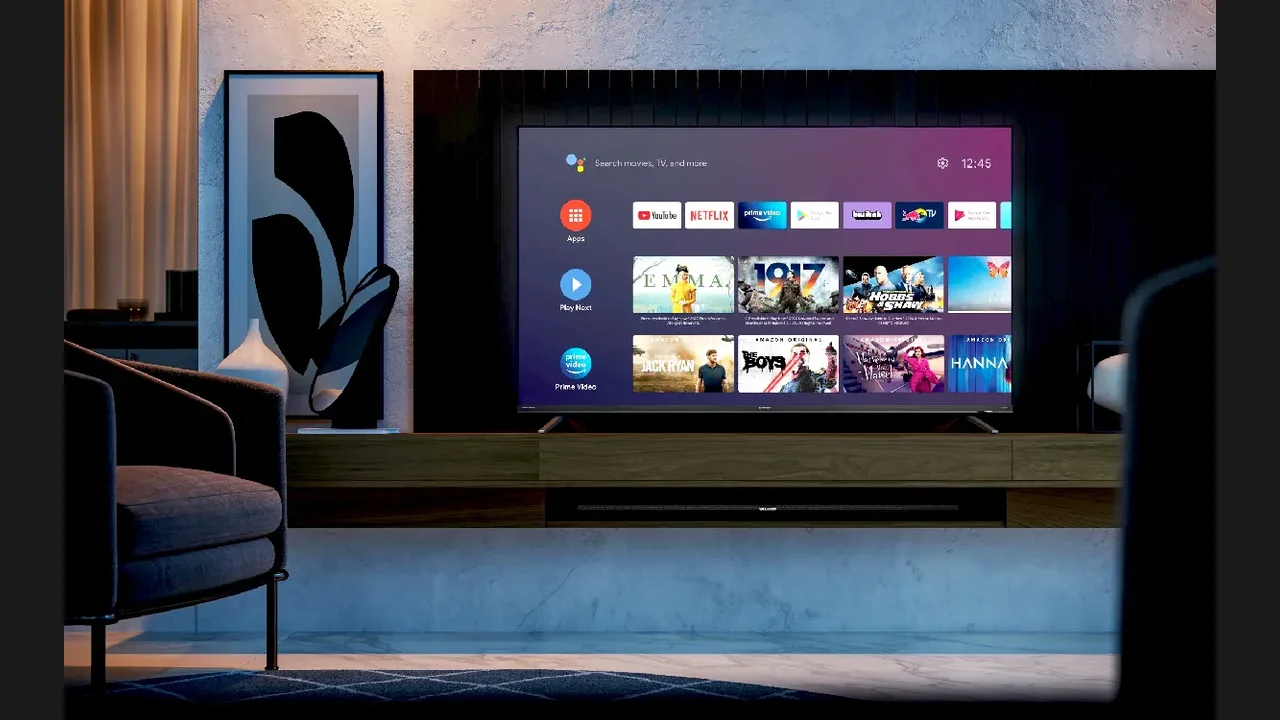 Cinema HQ Guide Cinema HQ on Android TV: Setup for the Big Screen Set up Cinema HQ on Android TV and Google TV, with remote navigation tips and a first session plan. Read guide →
  Cinema HQ Guide Real-Debrid in Cinema HQ: Setup and First Use Connect Real-Debrid in Cinema HQ settings and learn what changes in the source list. Read guide →
  Cinema HQ Guide Trakt in Cinema HQ: Sync Your Watchlist Everywhere Connect Trakt in Cinema HQ to sync your watchlist, history and progress across phones and TVs. Read guide →
 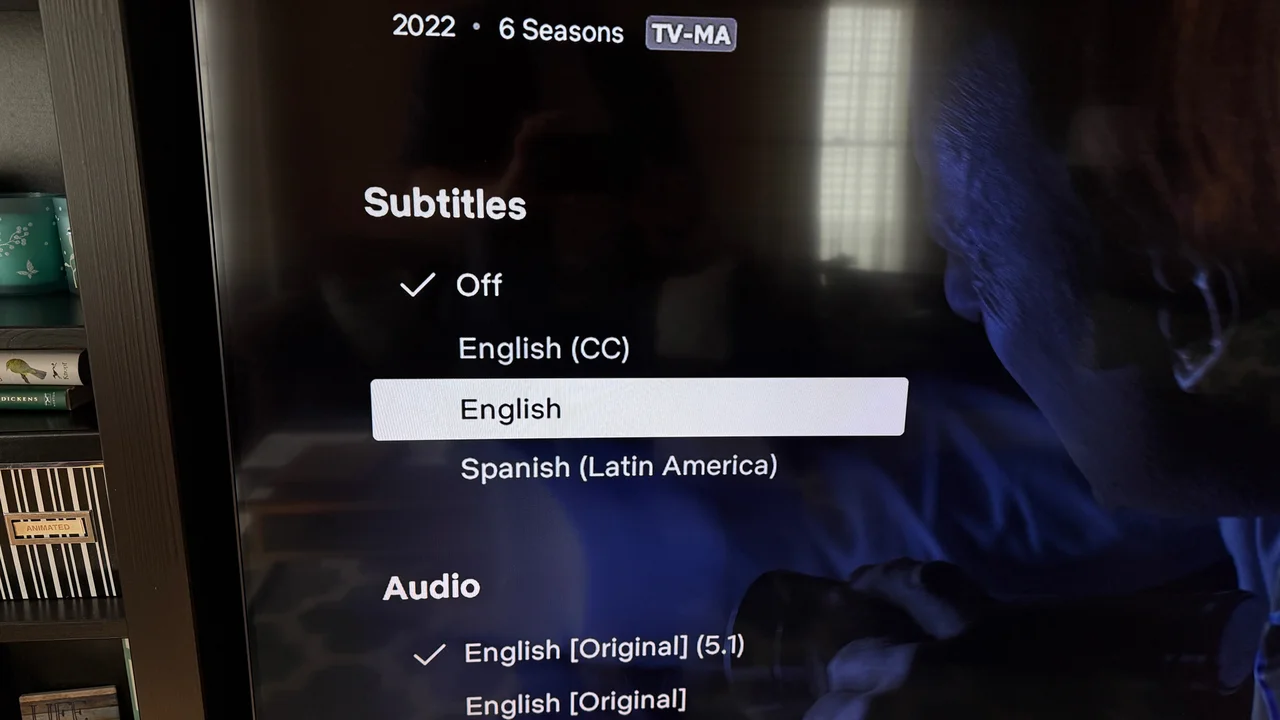 Cinema HQ Guide Cinema HQ Subtitles: Pick, Size and Sync Them Set up subtitles in Cinema HQ: pick a language, adjust size, and fix subtitles that drift out of sync. Read guide →
 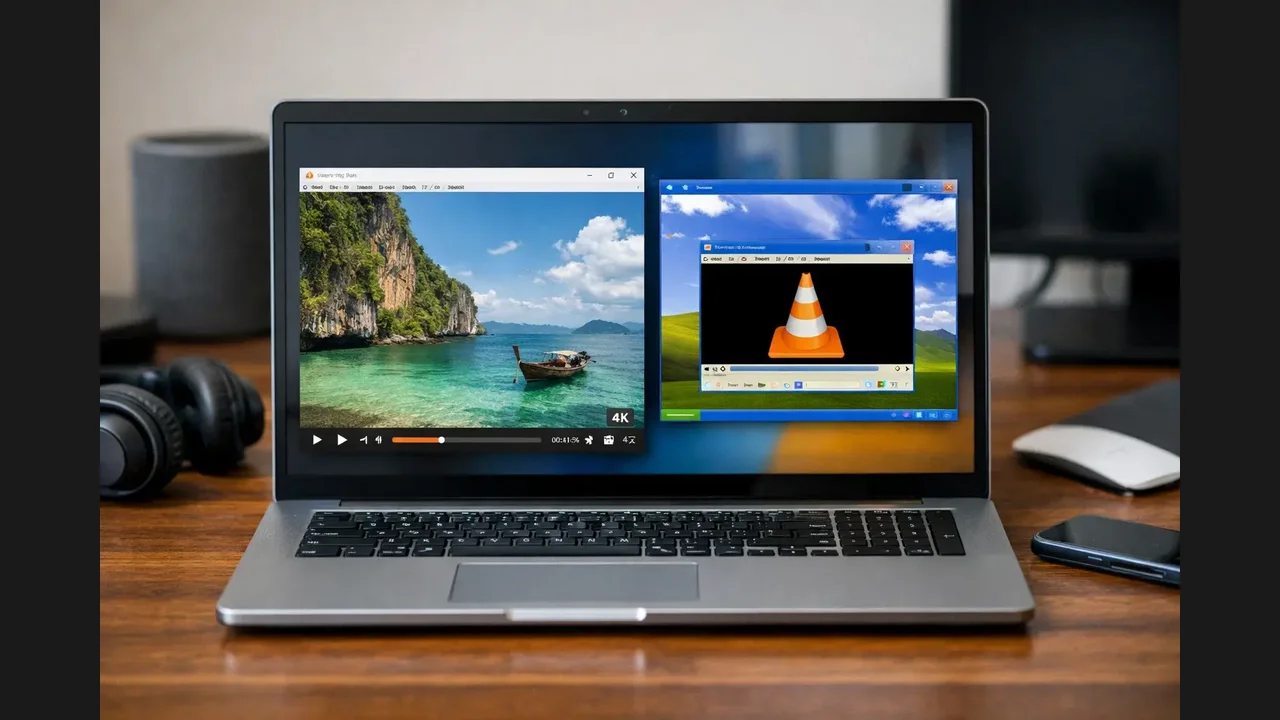 Cinema HQ Guide Cinema HQ External Players: VLC, MX Player and More Send Cinema HQ playback to VLC, MX Player or another player, and know when an external player is the fix. Read guide →
 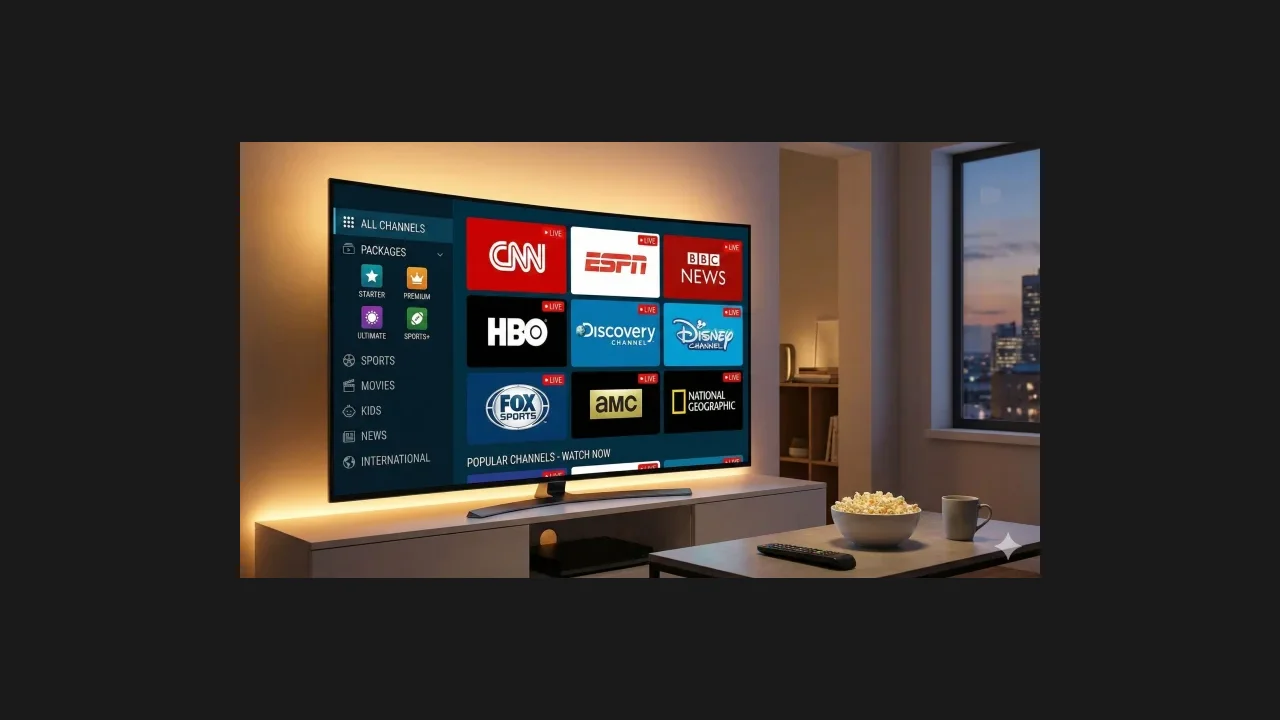 Cinema HQ Guide Cinema HQ Live TV: Channels, Playlists and Guides Use Cinema HQ live TV: built in channels, your own playlists, and programme guide data explained. Read guide →
  Cinema HQ Guide Cinema HQ Anime: Series, Movies and Specials Browse the Cinema HQ anime section: series, movies, OVAs and specials, with subtitle tips. Read guide →
  Cinema HQ Guide Cinema HQ Retro Games: Classic Titles on Your TV Play retro games in Cinema HQ: the built in library, emulator basics, and TV remote play. Read guide →
 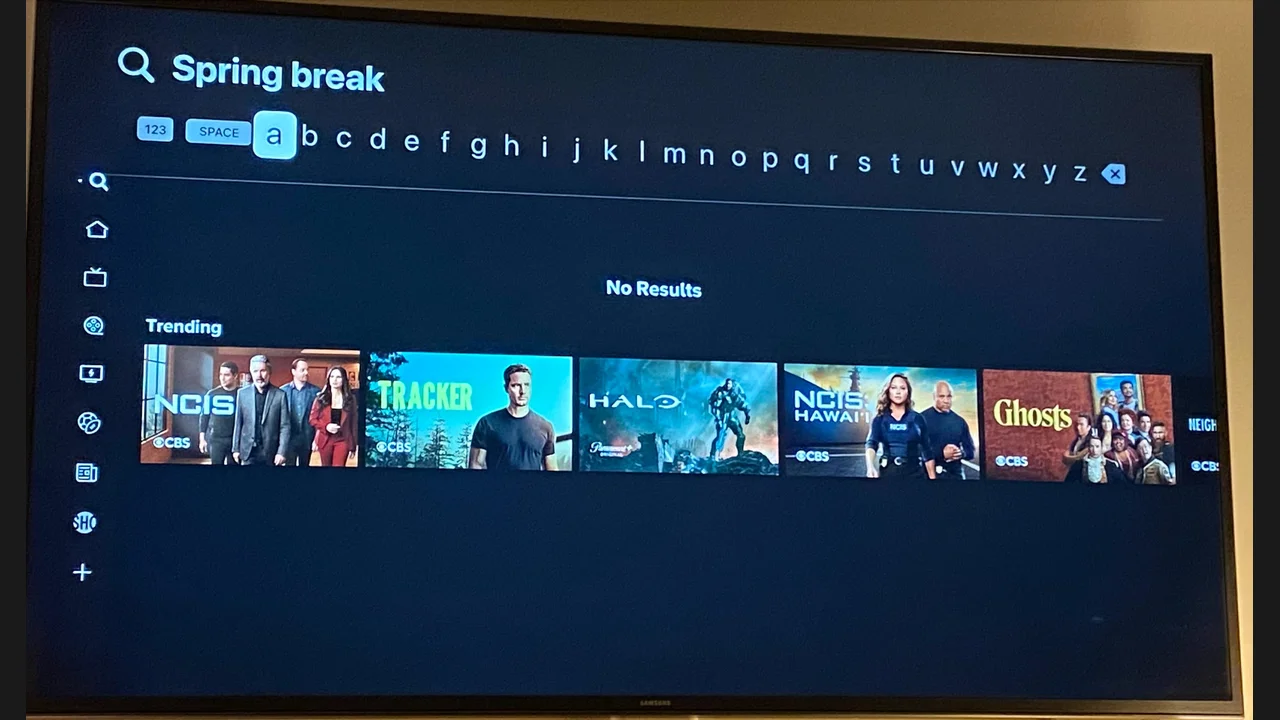 Cinema HQ Guide Cinema HQ No Links Found: 7 Fixes That Actually Work Fix Cinema HQ no links found errors: refresh, switch titles, restart, and know when to wait. Read guide →
  Cinema HQ Guide Cinema HQ Buffering: Stop the Spinning Circle Fix Cinema HQ buffering: connection tests, source quality, external players and cache. Read guide →
  Cinema HQ Guide Cinema HQ Downloads: Watch Offline the Right Way Download titles in Cinema HQ for offline viewing, through a connected debrid service. Read guide →
  Cinema HQ Guide Cinema HQ Search: Find Any Title in Seconds Search Cinema HQ like a pro: exact titles, actor searches, filters and watchlist shortcuts. Read guide →
  Cinema HQ Guide Cinema HQ or a Paid Subscription: How to Choose Choose between Cinema HQ and a paid subscription: cost, convenience, catalog and support compared honestly. Read guide →
  Cinema HQ Guide Cinema HQ on PC: Run It With an Emulator Run Cinema HQ on a Windows or Mac computer with an Android emulator, step by step. Read guide →
  Cinema HQ Guide How to Update Cinema HQ Without Losing Anything Update Cinema HQ safely: install over the old build, keep Trakt in sync, and avoid data loss. Read guide →
 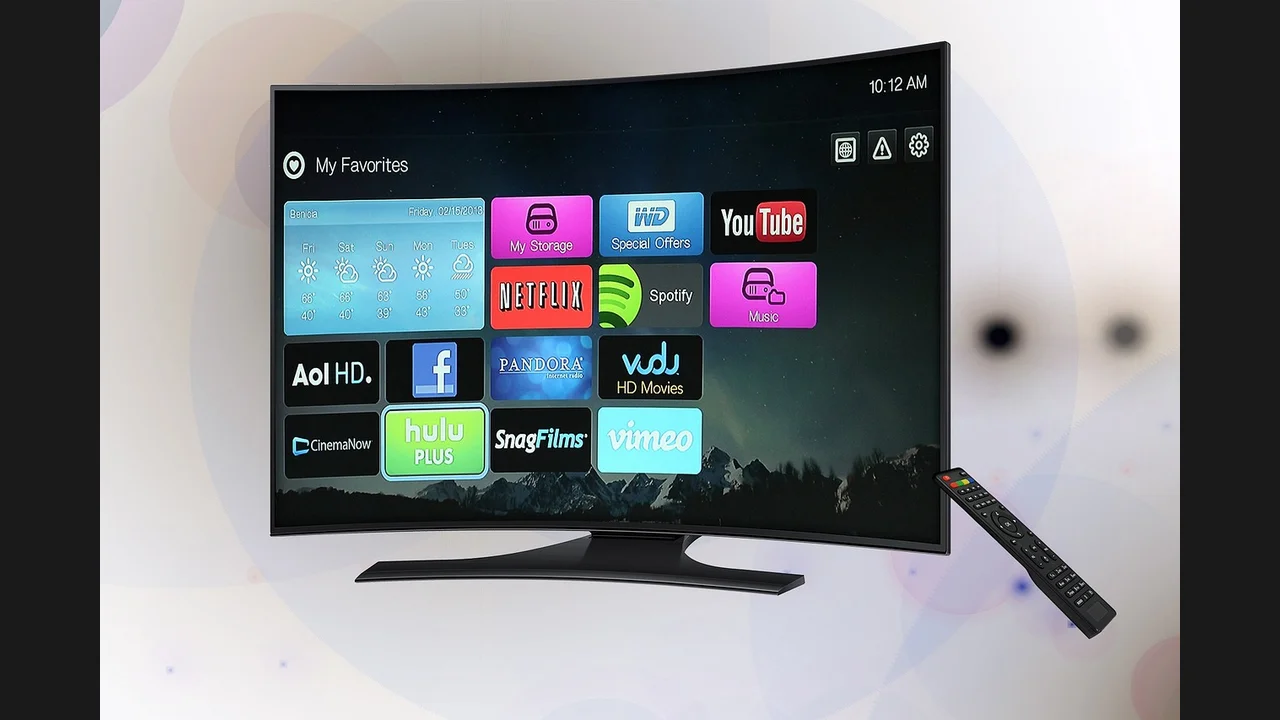 Cinema HQ Guide Cinema HQ Watchlist: Never Lose a Title Again Use the Cinema HQ watchlist and favorites: save titles, track progress, and sync with Trakt. Read guide →
  Cinema HQ Guide Cinema HQ Beginner Guide: Your First Evening New to Cinema HQ? A first evening plan: search first, sample a title, and set up your watchlist. Read guide →
 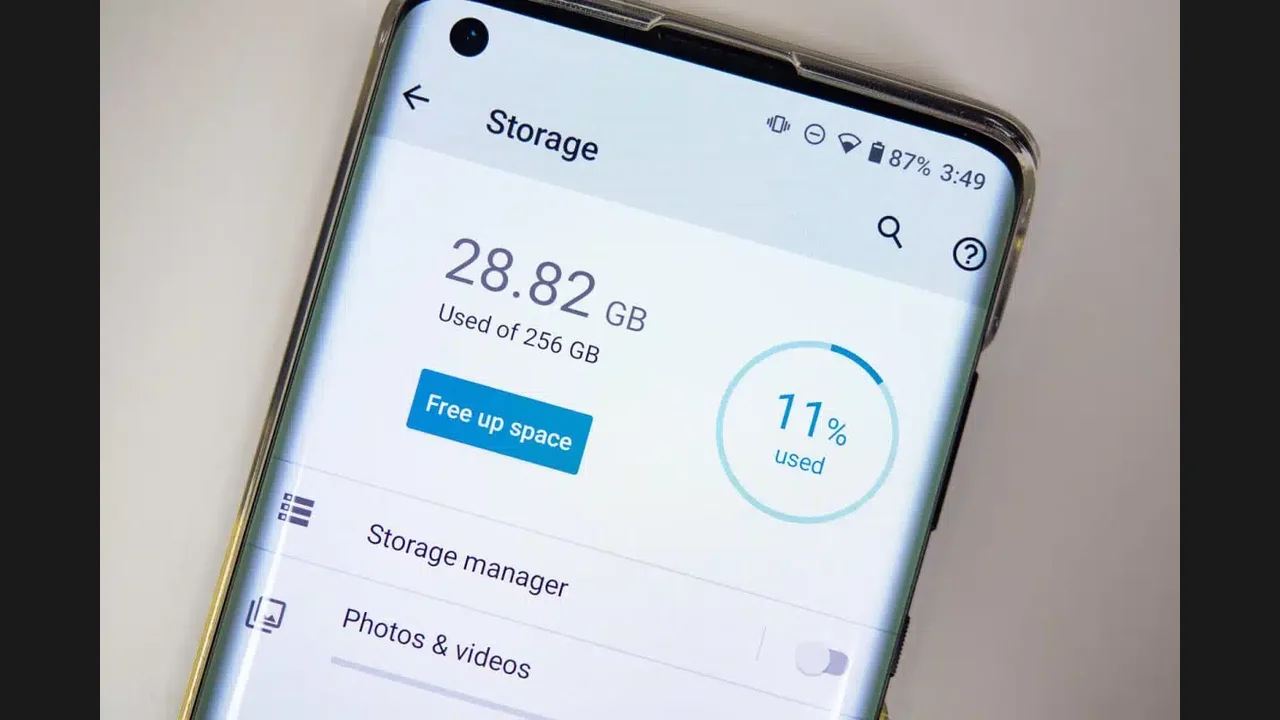 Cinema HQ Guide Cinema HQ Storage and Data: Keep It Light Manage Cinema HQ storage and data: cache, downloads, mobile data and a lean app. Read guide →