Cinema HQ Guide
Cinema HQ No Links Found: 7 Fixes That Actually Work
Fix Cinema HQ no links found errors: refresh, switch titles, restart, and know when to wait.
 By Maria Reyes · Streaming App Reviewer
First, confirm it is one title
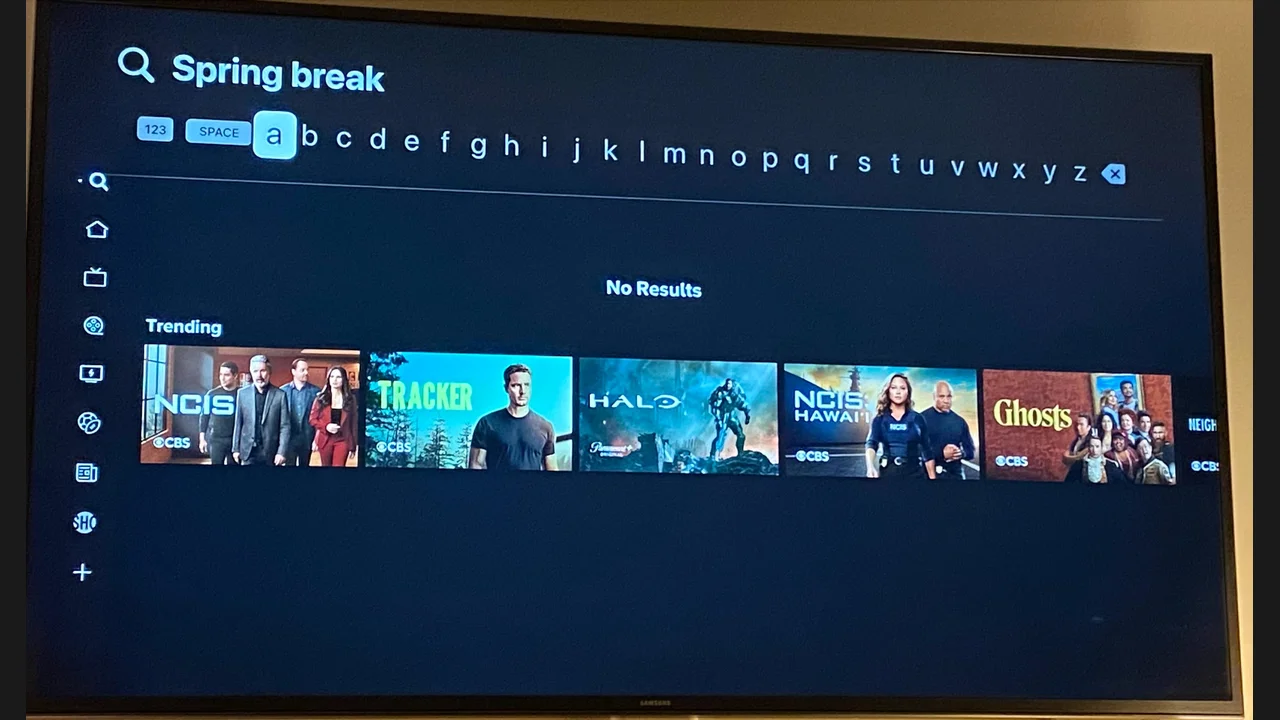
If you are new here, start from the Cinema HQ streaming app homepage, then follow this guide. A no links message for one title usually means that title providers are down, not that the app broke. Try another title right away. If other titles play, wait and try the first title later. Chasing settings for a single dead title wastes an evening.
Refresh and restart
Refresh the source list for the title, then restart the app and try again. Clearing the app cache is the next step, and it fixes stale source data without touching your watchlist. Reinstall only as a last resort, and only if you accept losing local history. The buffering fixes guide covers the next step in detail.
Check the wider picture
If no title has links, test the connection, then check whether an update is available. Providers change often, and an older build can lose resolvers that a newer build fixed. Update from the download page rather than hunting for old builds. For a related setup, see offline downloads. The file itself is on the download page.
Quick Answers
What does no links found mean?
The providers for that title have no working sources at that moment. It is usually temporary.
Will clearing cache delete my watchlist?
Cache clearing does not remove your watchlist. Clearing data does, so use cache only.
Should I reinstall for no links?
Only as a last resort. Refresh, restart and update first, and reinstall only if nothing else helps.